Cosmotune / version 1

Hear it.
See it.
Stay with it.

Your music, its official video, lyrics, and the next thing you want to hear. A free, open-source player for Android and desktop.

Android · Windows · Linux · macOS No Cosmotune account

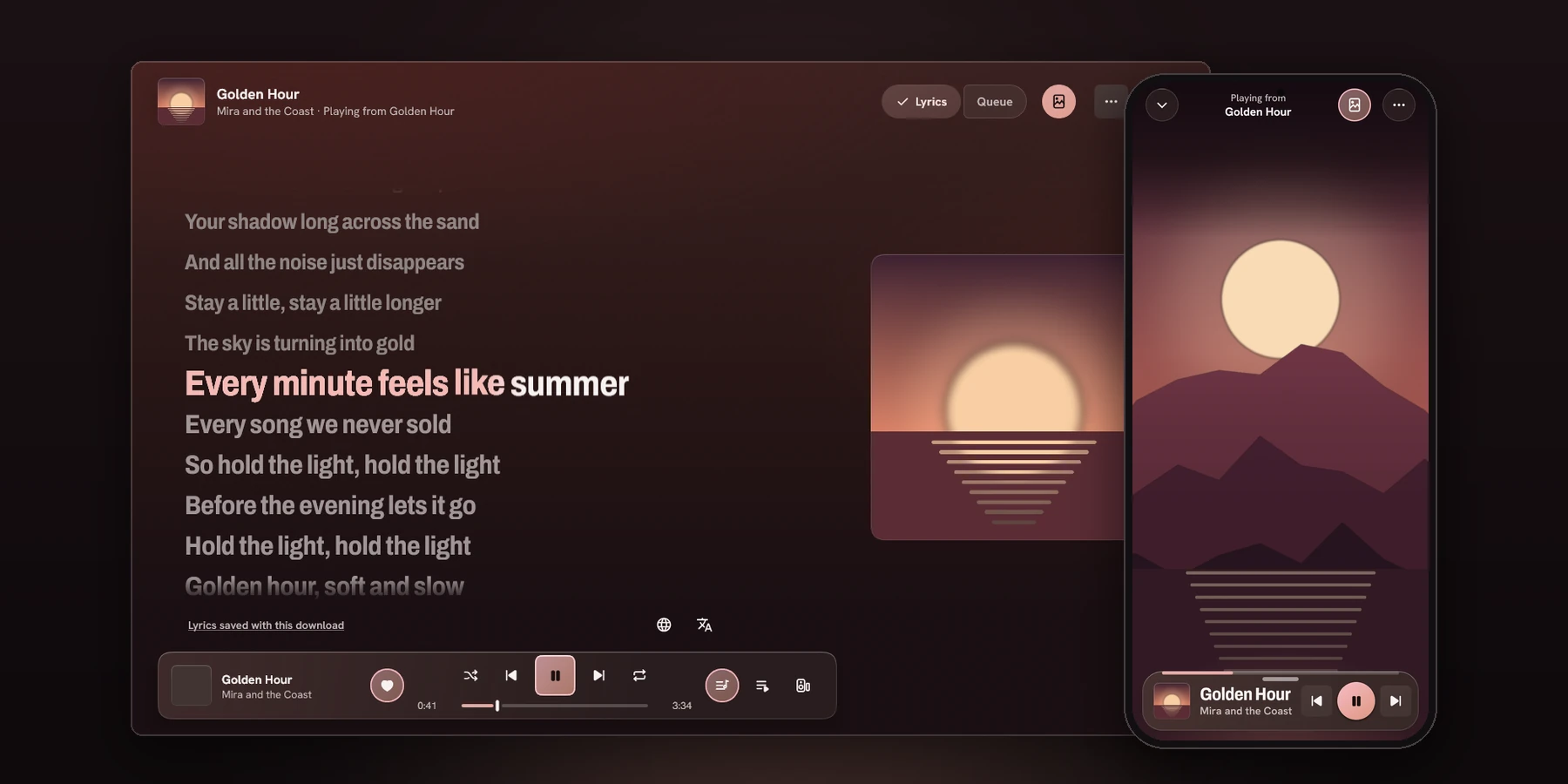
Cosmotune app screens showing synced lyrics on desktop and a song player on a phoneAPP SCREEN PREVIEW / ILLUSTRATIVE MEDIA
BUILT FOR THE WHOLE SONGSCROLL TO EXPLORE ↓
01 / MUSIC02 / VIDEO03 / YOUR LISTENING04 / EVERYWHERE
01 / TWO WORLDS, ONE APP

A music player.
A video world.

Switch between Music and Video without switching apps. Each has its own home, search, and library; the song keeps its place.

THE MUSIC SIDE / 01

Everything starts with a song.

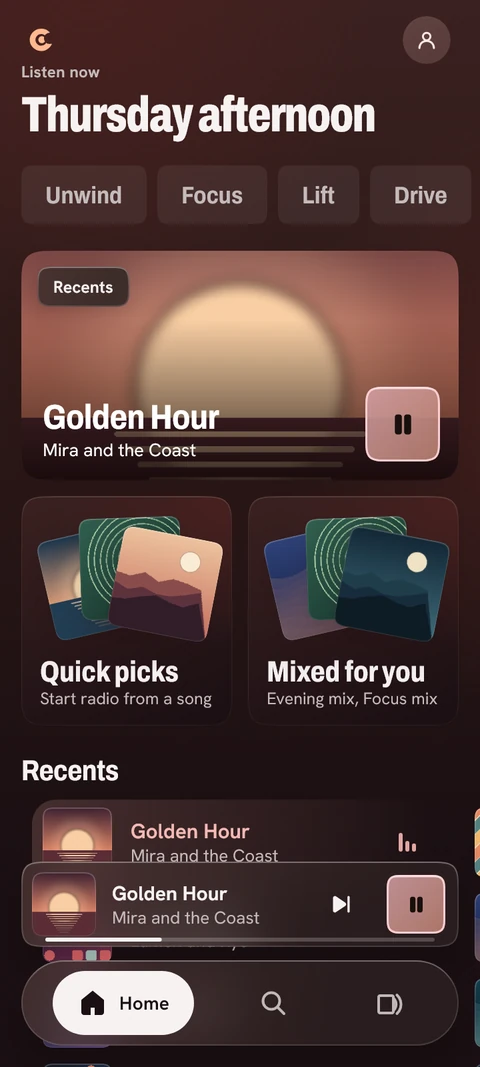
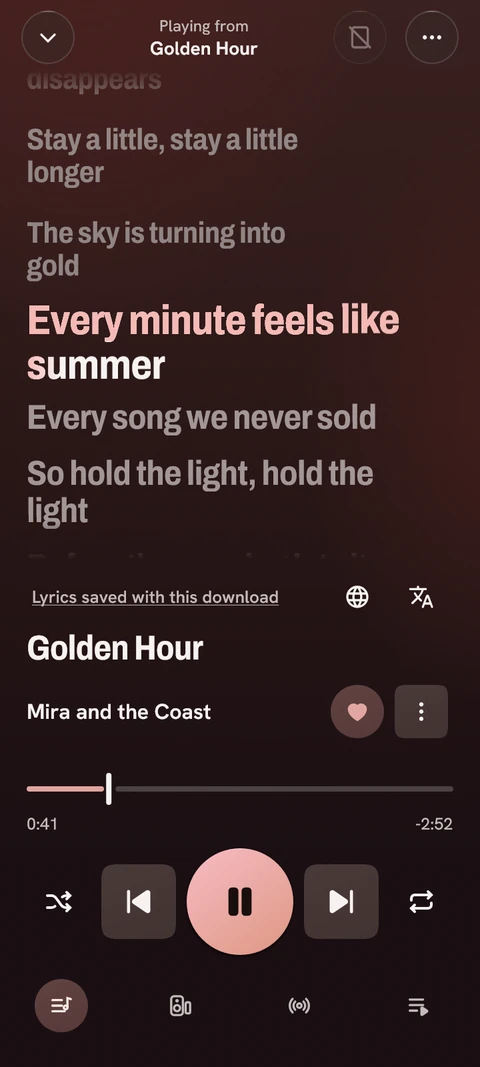
Pick up where you left off, explore moods and genres, keep a local library, and let the cover colour the whole interface. Move from artwork to synced lyrics or the official video without leaving Now Playing.

  • Search, playlists and local music files
  • Queue, lyrics and listening history
  • Downloads for offline listening
Explore music features ↗
Illustrative Cosmotune Music home screen with mood choices and song shelves

Product images use invented songs, artists and video art to show the interface.

02 / THE SONG HAS A PICTURE

Music video.
In sync.

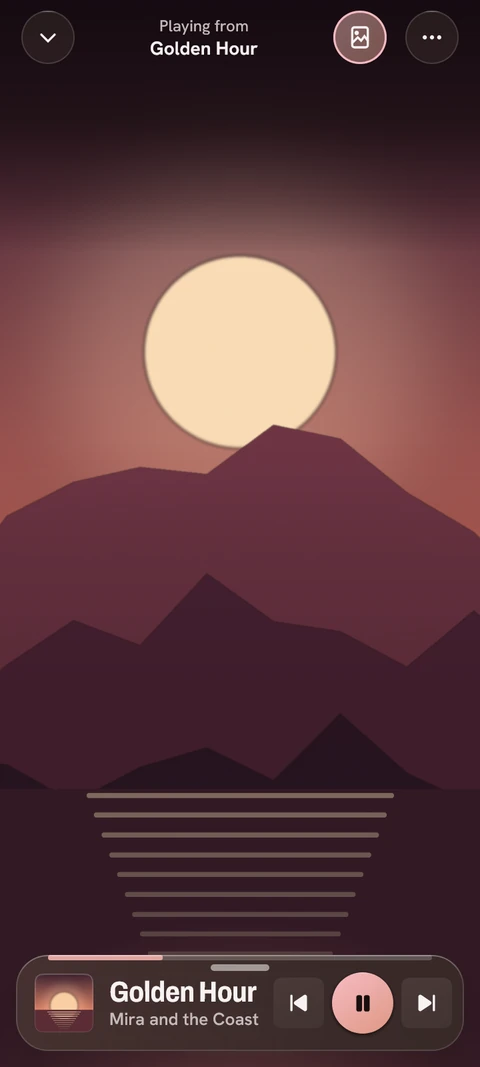
OpenCanvas finds the official video and aligns it with the recording. Seek, skip or replay: the picture follows the song, rather than looping beside it.

Picture when you want itChoose quality, hide the video, or keep it off on mobile data until you allow it.
Lyrics when you need themFollow timed lines and, where available, individual words. Translation and romanisation help more songs feel familiar.
See how OpenCanvas works ↗
Illustrative full-screen Cosmotune Now Playing video viewIllustrative Cosmotune synced lyrics viewNOW PLAYING / VIDEO + LYRICS
03 / MORE ROOM FOR YOUR MUSIC

Keep the things
you came back for.

Cosmotune v1 includes tools for a listening life that goes beyond one queue. Choose a feature to see how it fits into the app.

01 / YOUR LISTENING

A queue worth keeping.

Name a listening session, save its tracks and position, and reopen it later. Work, travel and late-night discovery can each have their own place.

Saved sessions keep queue order, repeat and shuffle; opening one leaves playback paused.
AND THERE'S MORE

Local files, offline music, synced lyrics, playback controls, output selection and a library you can carry with you.

04 / VIDEO MODE

When you want
to watch.

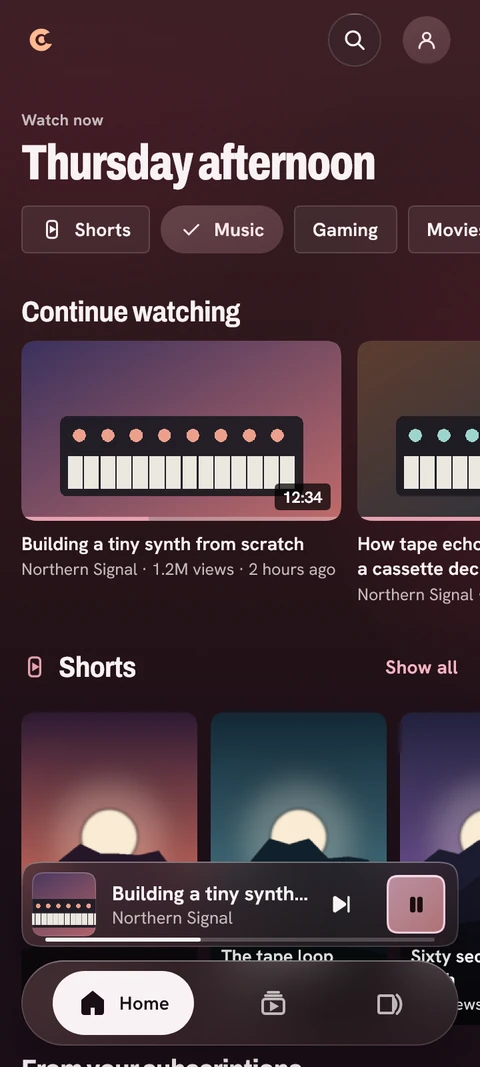
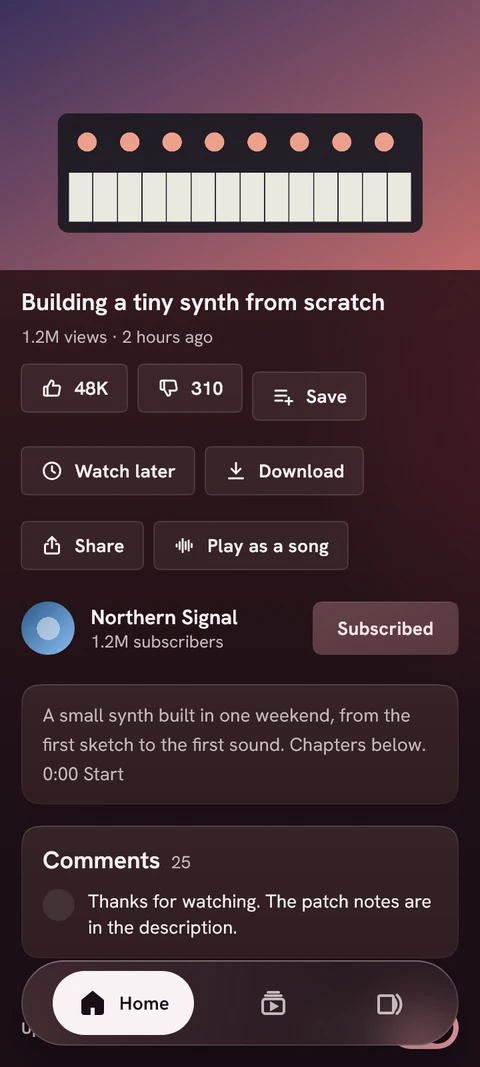
A full video experience sits beside Music: subscriptions, Shorts, playlists, history, Watch later and downloads.

Make it yours. SponsorBlock can skip selected segments, DeArrow can replace titles and thumbnails, and Return YouTube Dislike can show a dislike count. Each integration is optional.

Keep it offline. Download video or audio, choose quality and subtitles, and manage a batch when you want to take more than one item.

Move between modes. “Watch the music video” opens its watch page. “Play as a song” brings a video into the music player.

05 / A SONG IS BETTER SHARED

Same song.
Same moment.

Start a Listen Together party and friends can join from their own Cosmotune app. The room shares the track and position; each device plays its own audio.

Listen Together needs a party-server address in Settings. A public party service is not bundled with v1.

VMARS
LISTEN TOGETHEROne song.
Five places.
06 / MADE FOR YOUR DEVICES

Yours to
listen to.

No Cosmotune account is required. Your preferences, history, subscriptions and playlists live on your device. Export listening tools to a file when you want to move them.

Free and open sourceGPLv3 licensed4 desktop/mobile platforms
Explore the source ↗
07 / GET COSMOTUNE V1.0.0

Your next song
starts here.

Version 1.0.0 is available now. Choose your platform on the GitHub release page. Cosmotune is free and open source; there is no subscription.

Cosmotune v1.0.0 is distributed through GitHub, with builds for Android, Windows, Linux and macOS. iOS is not available.

COSMOTUNE / VERSION 1

Stay for the
next song.

Get v1.0.0 ↗Report an issue ↗